Using the Skills Library
If you've ever typed out the same set of instructions to an agent more than once — a rubric format you like, a question sequence you always use, a checklist you run through before finalizing a plan — a Skill lets you write that down once and have the agent pull it up whenever it's relevant, instead of you re-explaining it every time.
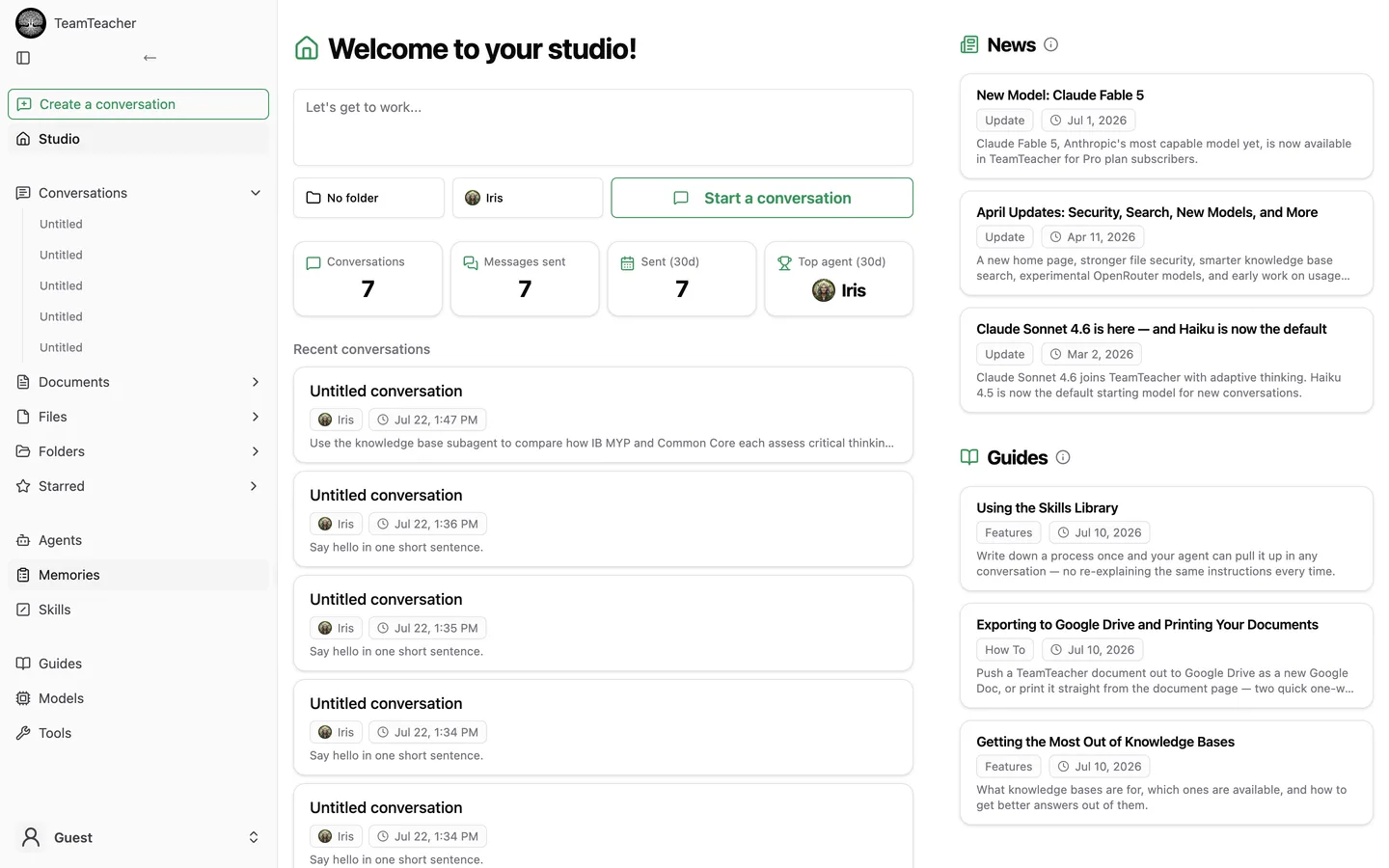
The Skills feature is available to every account. Open it from the sidebar to get started:
What a skill is
A skill is three things:
- A title
- A one-line description
- A Markdown body with the actual instructions, written in a plain text box (not the regular rich-text editor)
That's it in this first version — no attachments yet (see Limitations below) and no executable code. It's a reusable set of written instructions, not a mini-program.
How it shows up in chat
You don't need to mention a skill for the agent to know it exists. Every skill you've enabled shows up automatically as a short entry (just the title and one-line description) that the agent can see in the background of any conversation. When the agent decides a skill is actually relevant to what you're asking, it looks up the full instructions on its own and applies them — you don't have to attach it or bring it up yourself.
One current catch: this only works reliably in TeamTeacher's newer "task mode" chat processing. In the older chat path, the agent can still see that a skill exists, but it can't yet pull up the full instructions. If a skill doesn't seem to be getting used, that's the likely reason.
Creating a skill
- Open Skills from the sidebar.
- Click through to create a new skill.
- Give it a title and a one-line description — this is the part the agent sees by default, so make it specific enough to be recognizable.
- Write the instructions in the Markdown body. Treat it like a note to a substitute teacher: what to do, in what order, with any format you want the output in.
- Choose who can see it (more on this below).
- Save.
Your new skill lands in My skills on your Skills page, where you can edit it any time.
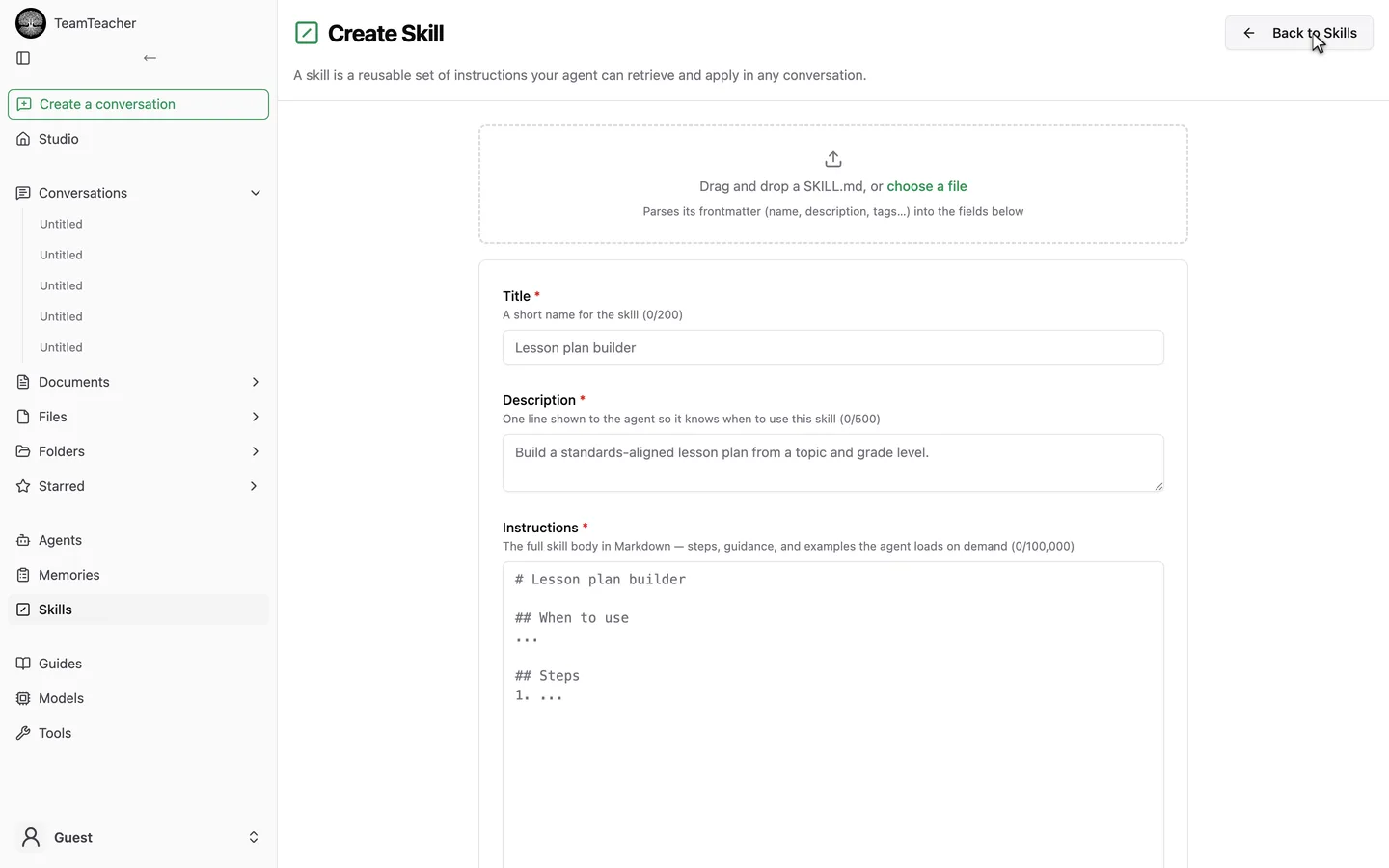
You can also drag a SKILL.md file onto the form — its frontmatter (name, description) fills in the fields above automatically, and any category/tags get captured too. Tags parsed this way show up as read-only badges above the form so you can see what was picked up, but there's no editable tag field, and nothing lets you edit, search, or filter by them yet (see Limitations below).
Sharing a skill
Skills have three visibility levels:
- Private — only you.
- Restricted — shared with specific people. You add them by name or email, and each person shows up as a removable chip.
- Global — visible to every teacher on TeamTeacher. This one's admin-only for now — a regular account can't publish a skill site-wide yet.
If someone shares a skill with you, it shows up under Available to install on your Skills page. Installing it adds a reference to your library — it's not a copy. If the owner edits their skill later, you'll automatically see the updated version, since you're looking at their skill, not a snapshot of it.
Your Skills page has three sections:
- My skills — yours, editable.
- Installed — skills you've added from someone else. You can enable, disable, or uninstall these.
- Available to install — shared or global skills you haven't added yet.
The starter skills
TeamTeacher ships with 10 pre-loaded skills covering things like Socratic questioning sequences, checking-for-understanding protocols, retrieval-practice question generation, and UDL lesson audits. They show up under Available to install on your Skills page:
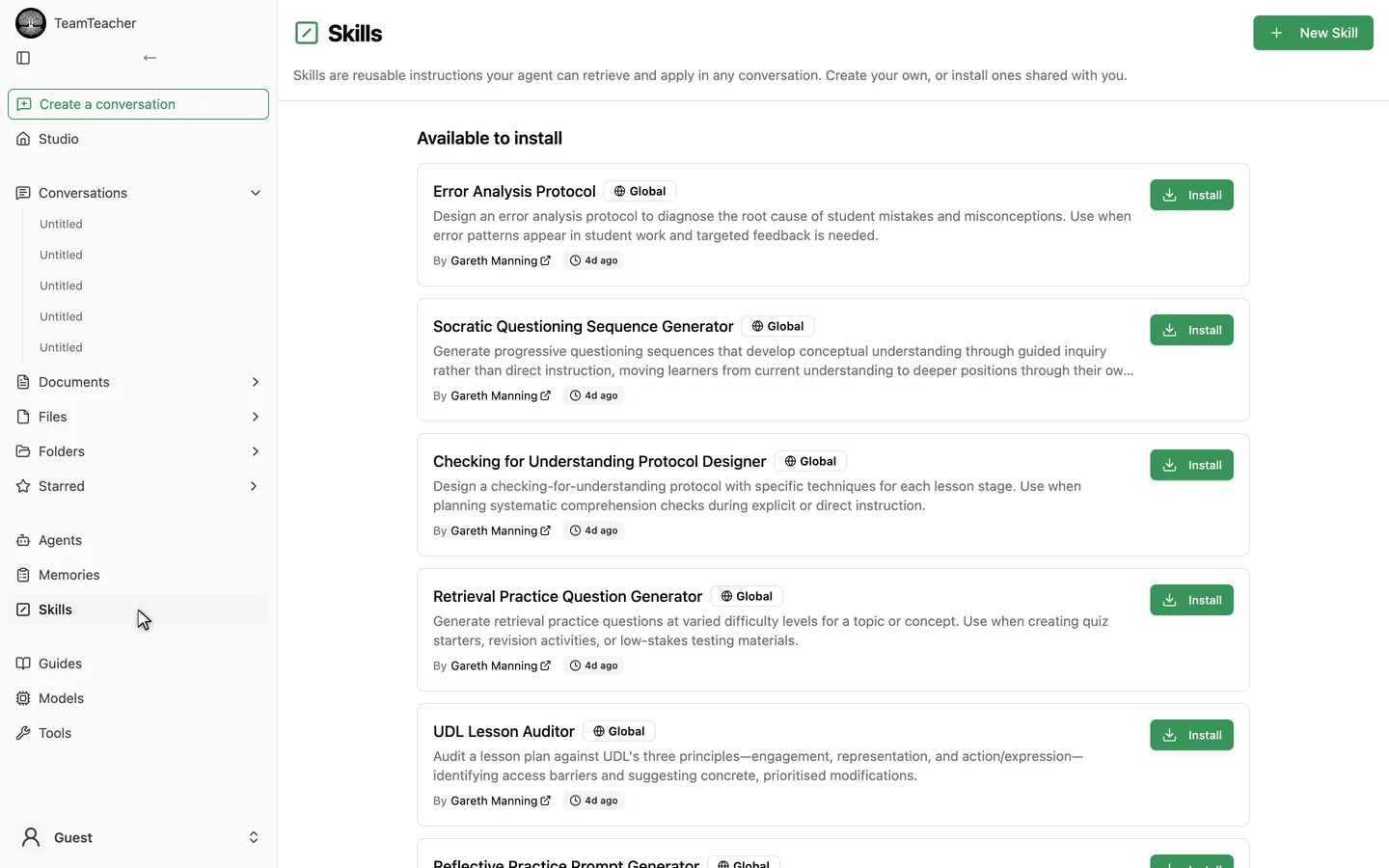
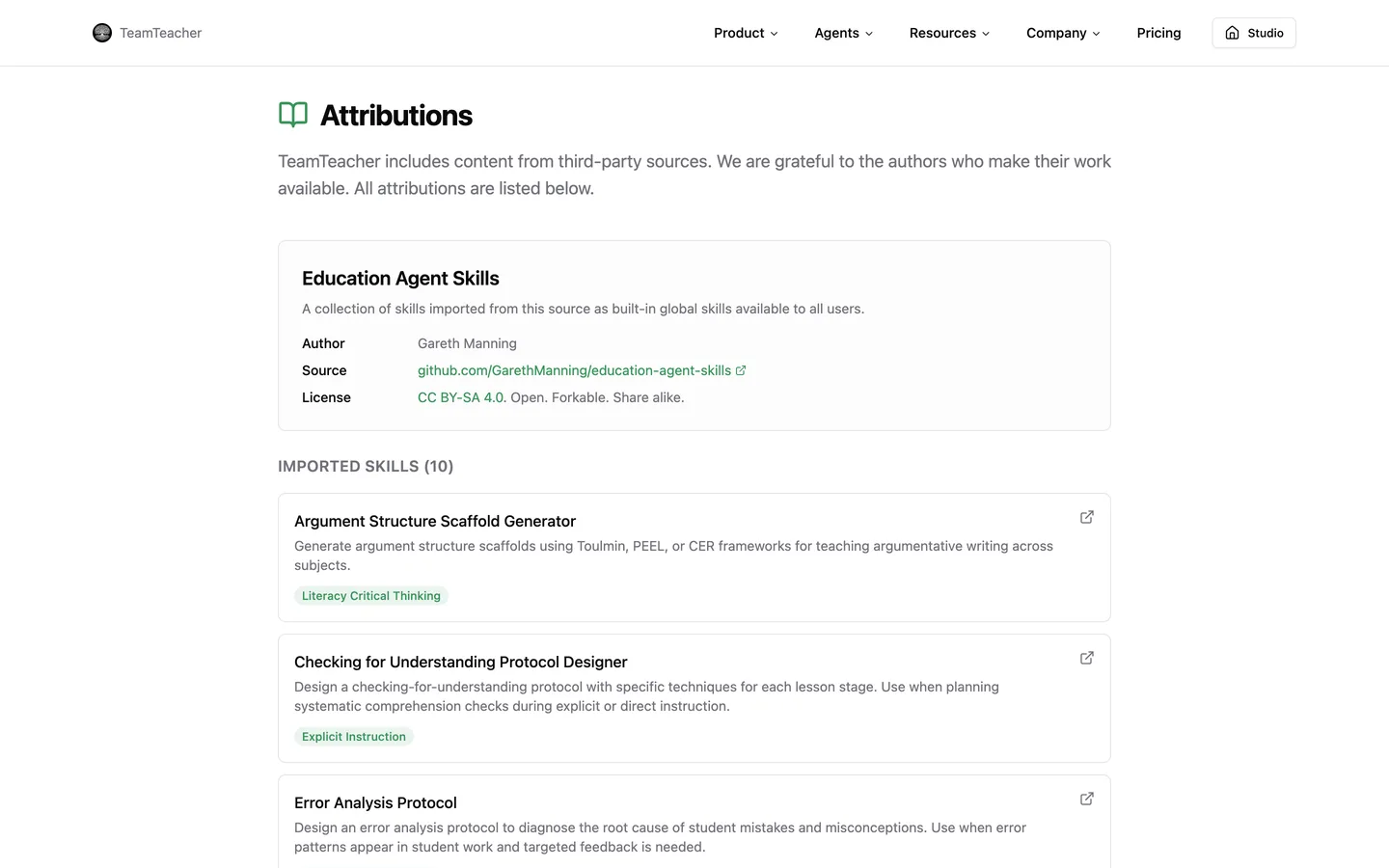
These were imported with credit from an open-source collection of education-focused agent skills — full attribution is listed on the site's attributions page. They're there to give you a working example of what a well-written skill looks like, and to be useful on their own.
Limitations worth knowing
This is a first version, and it's worth knowing what isn't there yet:
- No file attachments in the UI. The system is built to support reference files linked to a skill, but there's no way to actually attach one from the Skills page yet.
- No self-serve global publishing. Only admins can make a skill visible to everyone. A review step for teachers to publish their own skills more broadly is planned but not built.
- No search or categories. The library is one unorganized list — there's no tagging or filtering yet, so this works best while your skill list is still small.
- Plain-text Markdown editing. The skill body is written in a plain text box, not TeamTeacher's usual rich-text editor.
- Task-mode chat only, for now. As noted above, the older chat path doesn't fully apply skills yet.
None of this stops the core idea from being useful today — write it once, let the agent find it when it's relevant — but it's not yet the searchable, shareable library it's headed toward.
If you're working with reusable files rather than instructions, see Files and Documents for how TeamTeacher handles those separately.