Structured Memories: Give Your Agent a Long-Term Memory
Normally, every new conversation with a TeamTeacher agent starts cold. It doesn't know you prefer rubrics in table format, that you teach 6th grade science, or that you always want reading levels called out in handouts — unless you tell it again. Structured Memories is a way for the agent to hold onto that kind of thing between conversations, so you stop re-explaining yourself.
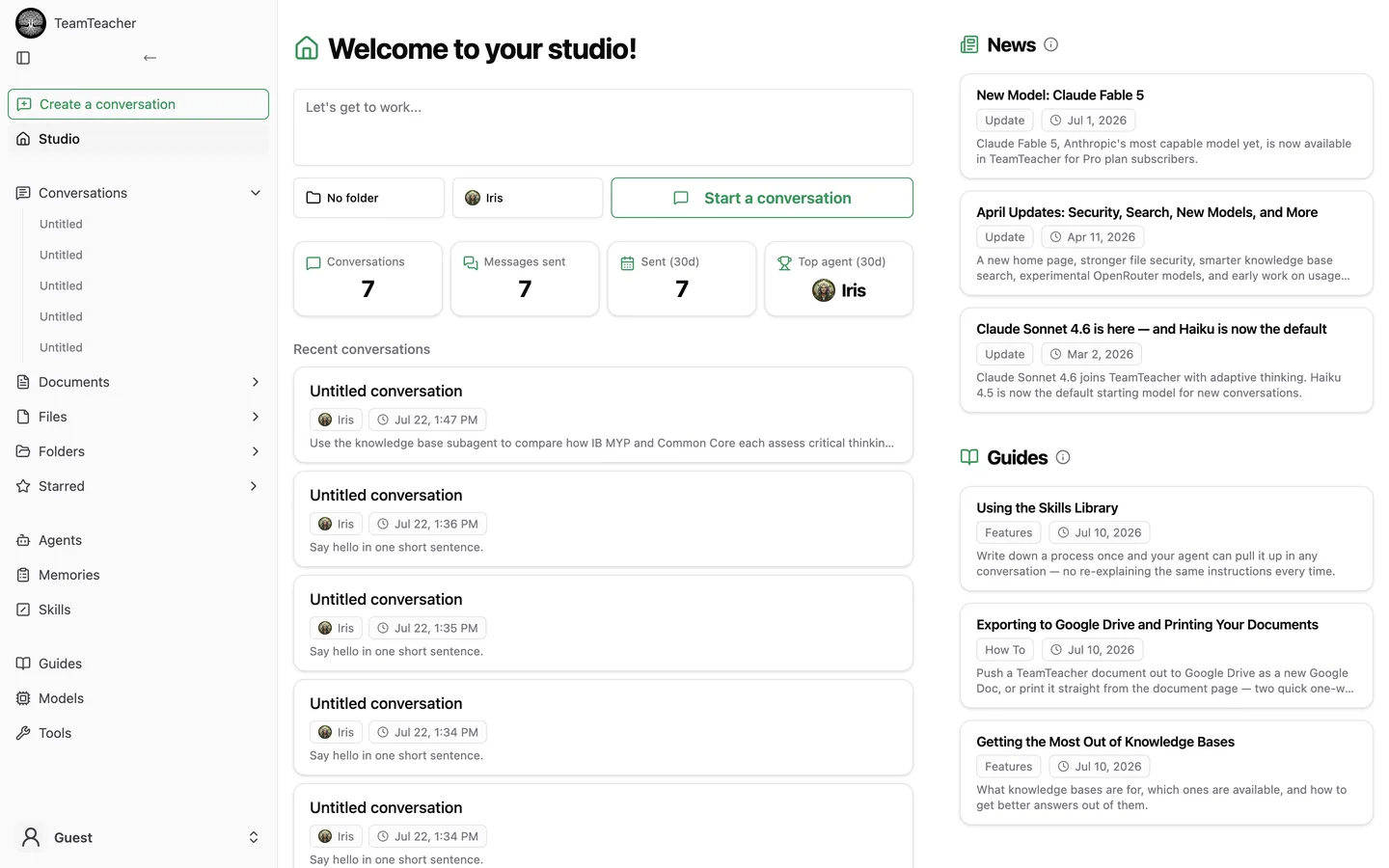
Open Memories from the sidebar to see and manage what your agent remembers.
What it's for
A single conversation already has context — the messages in it, any documents you've attached, your instructions and notes. Memories are different: they're meant to survive past that one conversation. Think "things a colleague who's worked with you for a year would just know," not "things relevant to today's chat."
Two ways memories get created
- The agent saves them on its own. As you work together, the agent can decide something is worth remembering and store it as a memory, without you asking it to.
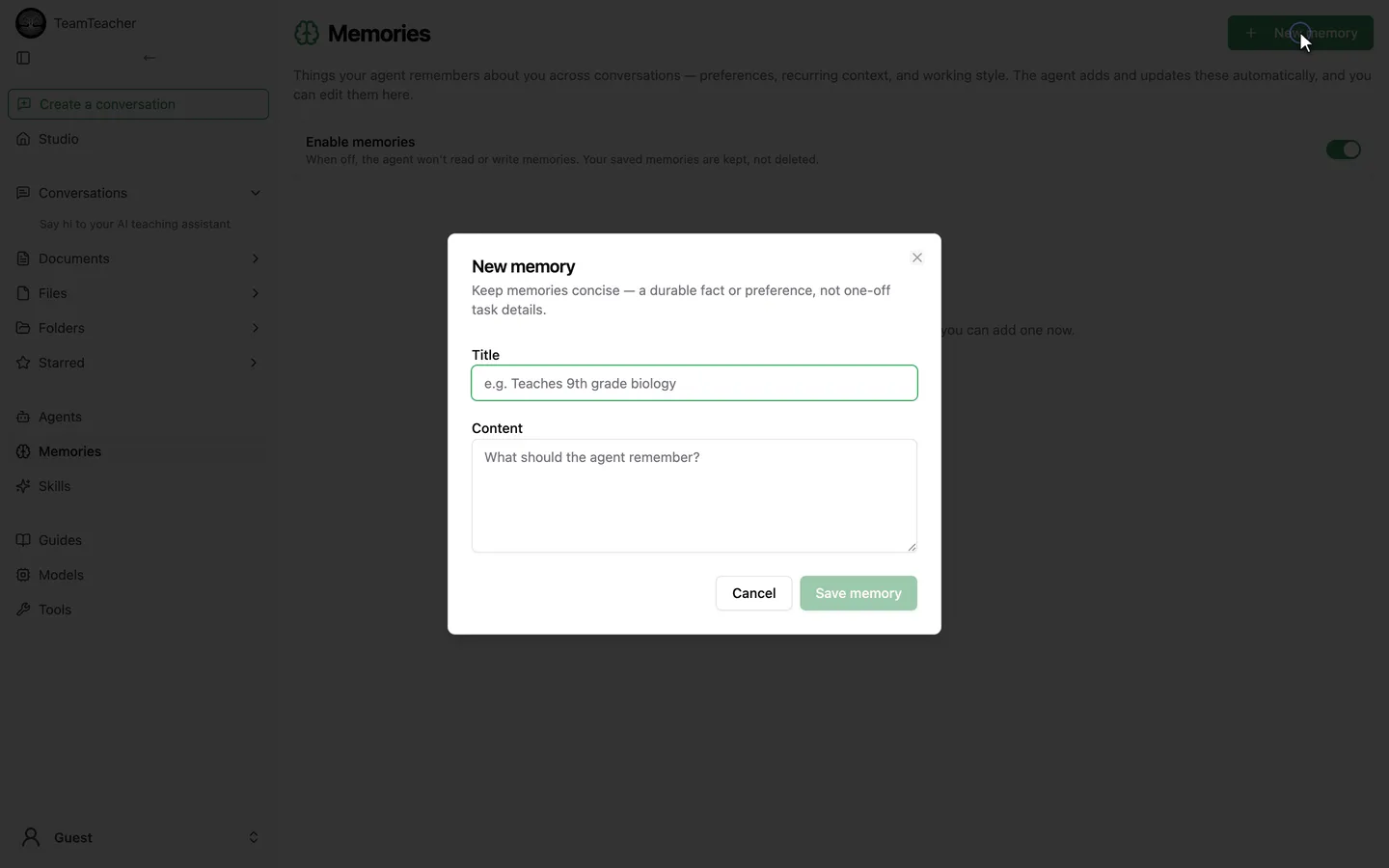
- You add them yourself. A dedicated Memories page lets you create, edit, and delete memories directly — useful for anything you want the agent to know without waiting for it to notice.
The Memories page
The Memories page shows:
- A plain list of your memories — each with a title and its note.
- A search box that filters the list by text.
- Buttons to add, edit, and delete memories.
- An Enable memories switch.
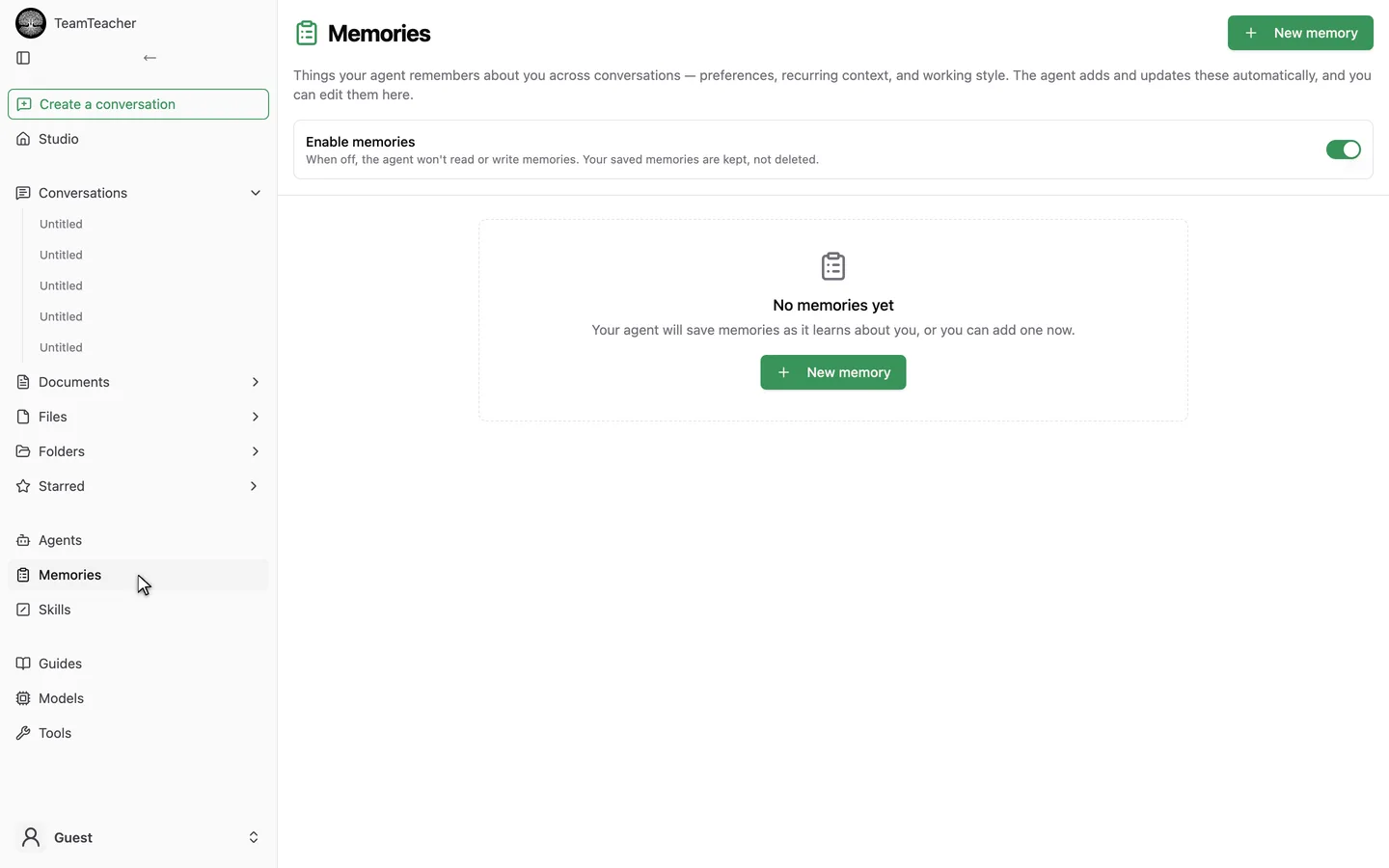
Turning that switch off stops the agent from reading or writing new memories, but it doesn't delete anything you already have. Flip it back on and your existing memories are right where you left them.
Memories are private to your own account — there's no sharing them with other teachers or a school, unlike some other TeamTeacher library features.
How the agent actually uses them
At the start of every conversation, the agent is quietly given a short list of your most recently updated memories — just titles and short previews, capped at a couple dozen. That happens even if you have zero memories saved, so the agent always knows the capability is there and can start saving one if it notices something worth keeping.
For anything beyond that short list, the agent can look up a specific memory in full, or search across everything you've saved. That search is looser than the search box on the Memories page — it can turn up a relevant memory even when your wording doesn't match what's stored, not just literal keyword hits.
Worth knowing
- Manually added memories take a moment to become fully searchable. A memory you type in yourself on the page shows up immediately in the page's own search and in the agent's short recent-memories list — but the agent's looser, meaning-based search won't pick it up until a background step catches up. That's a known gap, not a bug, and there's no user action to work around it.
- No cap on how many you can keep — only the short list the agent sees automatically each conversation is capped, not your total.
- This is separate from document search. It doesn't touch how you search
/documentsor anything else in your library — see Files and Documents if you're looking for that instead.