Sub Plans: Brain Dump to Coherent Plans in Three Prompts 📋
Start a conversation with the Sub Plan Builder skill
Prefer to skip the step-by-step prompts? Describe your task and TeamTeacher runs this whole workflow with you, using the Sub Plan Builder skill.
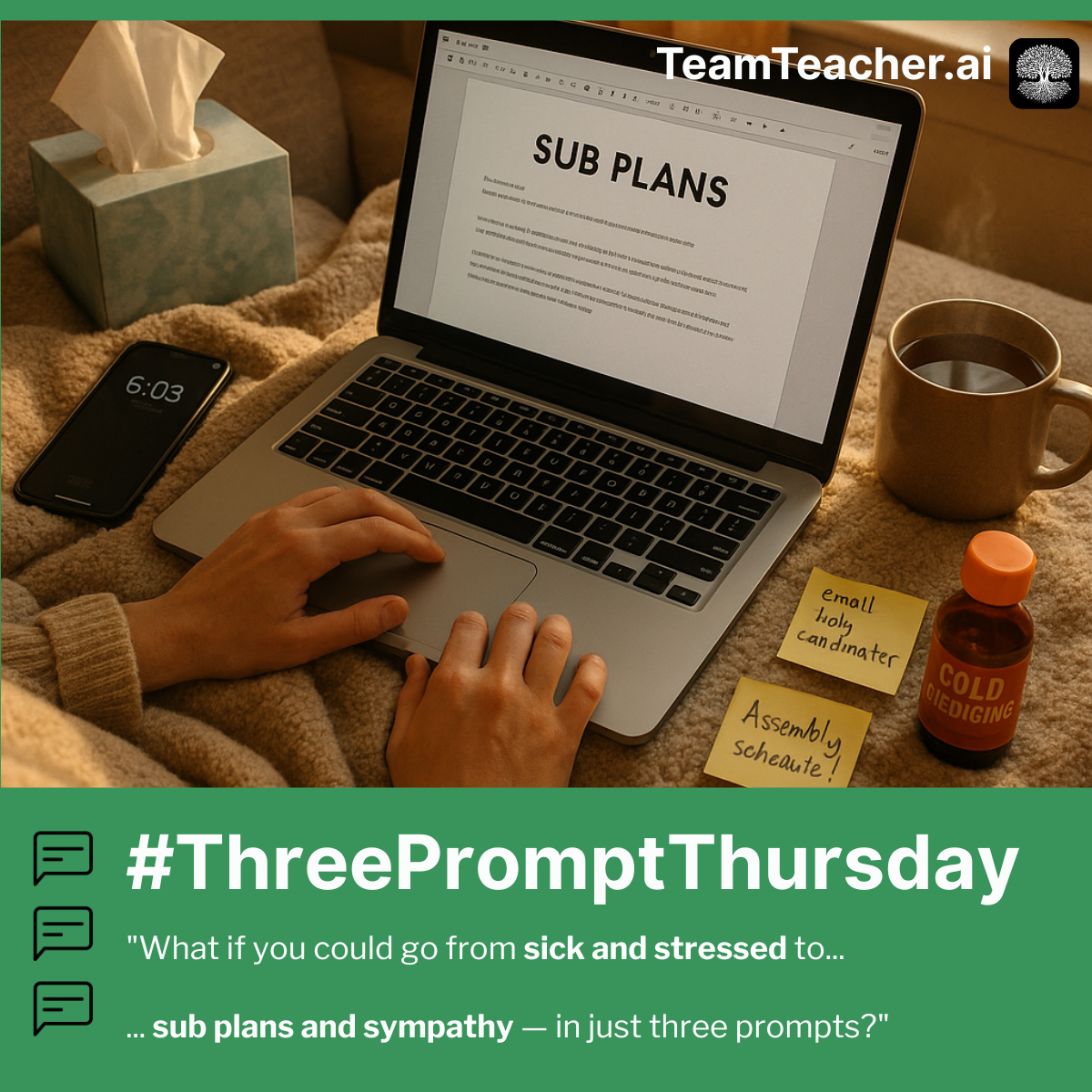
It's 6am. You're sick. You need sub plans, which means explaining tomorrow's lesson WHILE organizing logistics WHILE remembering student needs WHILE formatting so a stranger can follow it. Your brain can't do all that at once—nobody's can.
What if you could dump everything in your brain and get back clear, organized, sub-ready plans with no assumptions added? Just your information, formatted for YOUR context.
The Three Prompts
🧠 Prompt 1: The Brain Dump
🎯 Prompt 2: Format for YOUR Context
💡 Prompt 3: The Stuff You Always Forget
Why This Works 🔑
The magic is in the messiness. When you show up as your authentic, overwhelmed, sick-at-6am self—"info vomit below, apologies for the chaos!"—the AI responds with more warmth, empathy, and thoughtful support than when you try to be formal and machine-like.
That human vulnerability in Prompt 1 sets a tone that cascades through the whole conversation. The AI doesn't just execute tasks—it becomes a supportive colleague who anticipates what you need, catches what you might have forgotten, and even tells you "don't feel guilty" when you need to hear it.
It turns out that sometimes a little human feeling and messiness is exactly what the AI needs to put on their most helpful and caring hat. ❤️🩹
What You'll Get ✨
This workflow creates sub plans that work for your specific situation:
- A brain dump mirror-back that helps you catch what you forgot to mention
- Plans formatted for your building's context and needs
- A checklist of admin tasks - executive functioning support for the WIN
- An email draft to send to the sub coordinator
Still sub plans. Still not fun. But at least they won't take 2 hours when you're sick.
🌳 Pro tip: Create a "Sub Plans" folder in TeamTeacher with your seating chart, dismissal procedures, and classroom management essentials. Reference it in Prompt 1 to make the brain dump even faster. Learn more about Folders.
This guide started as a #ThreePromptThursday post. See the original LinkedIn discussion