Documentation
Browse TeamTeacher documentation to learn about features, concepts, and how to get the most out of the platform.
General
Start here for setup, orientation, and the basics.
Guides
Practical, step-by-step guides for specific teaching challenges.
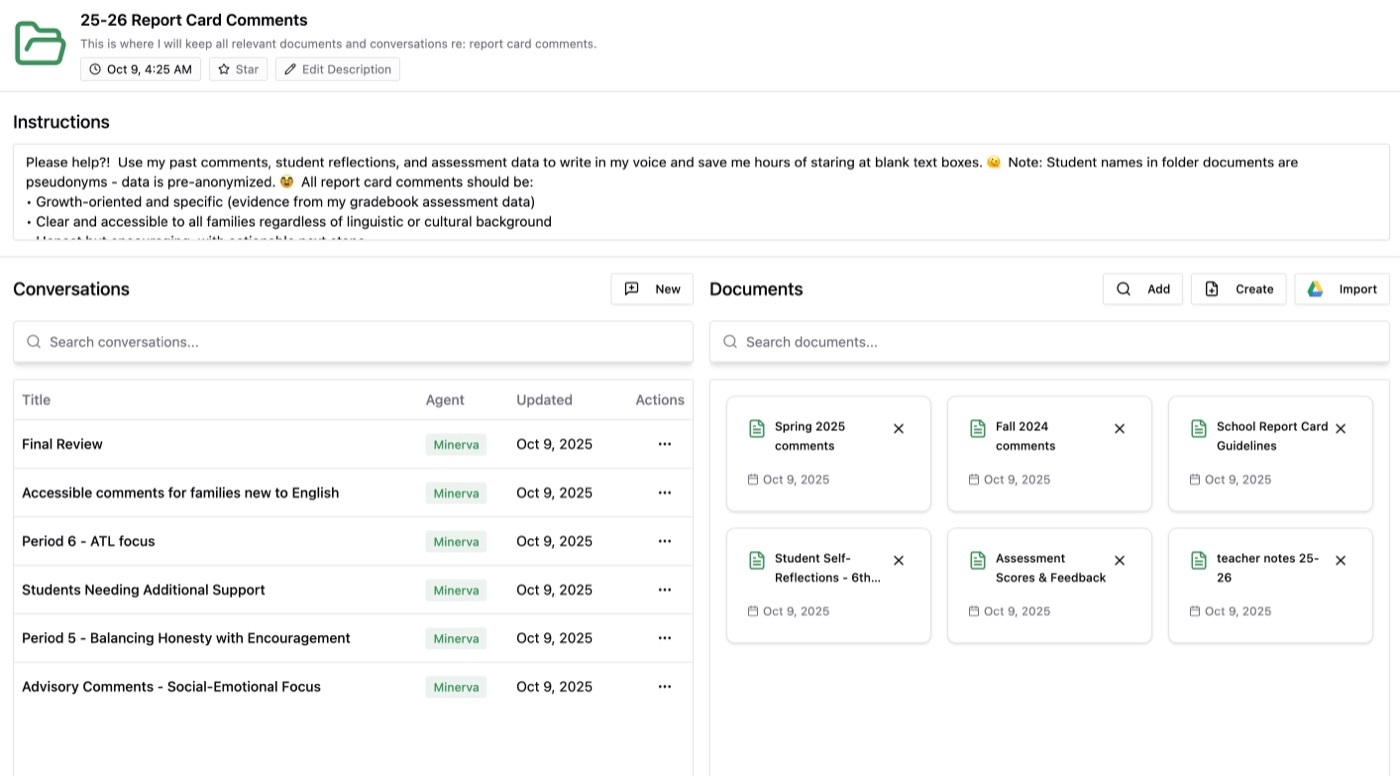
The fast track to comments that sound like you, with AI handling the heavy lifting. Set up your system once, save hours now, and reuse it every reporting period.
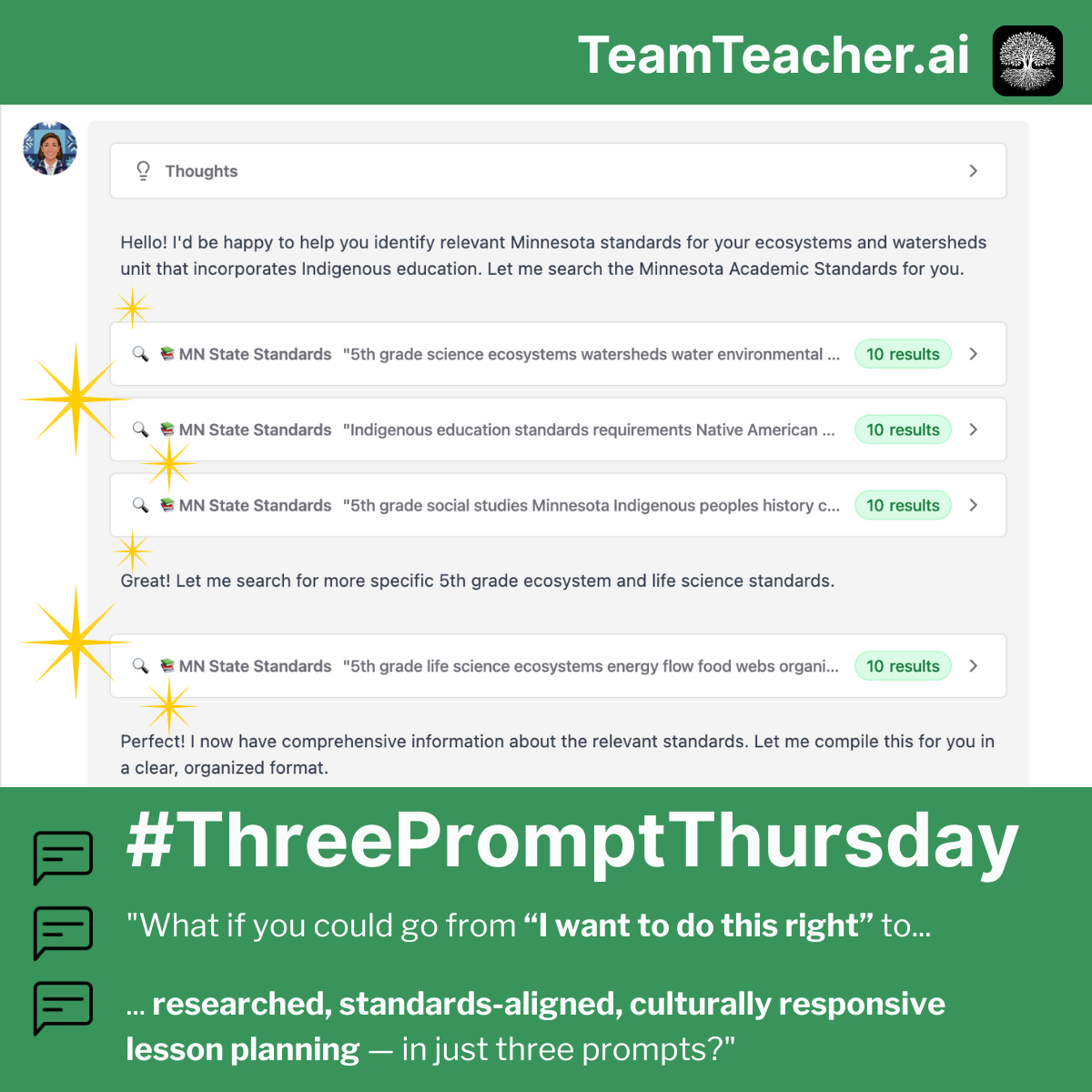
From "I want to do this right" to researched, standards-aligned, culturally responsive content about Indigenous peoples in three prompts.
📋 Turn context chaos into coherent sub plans—dump everything, format for your building, and get that checklist you always forget in three prompts.
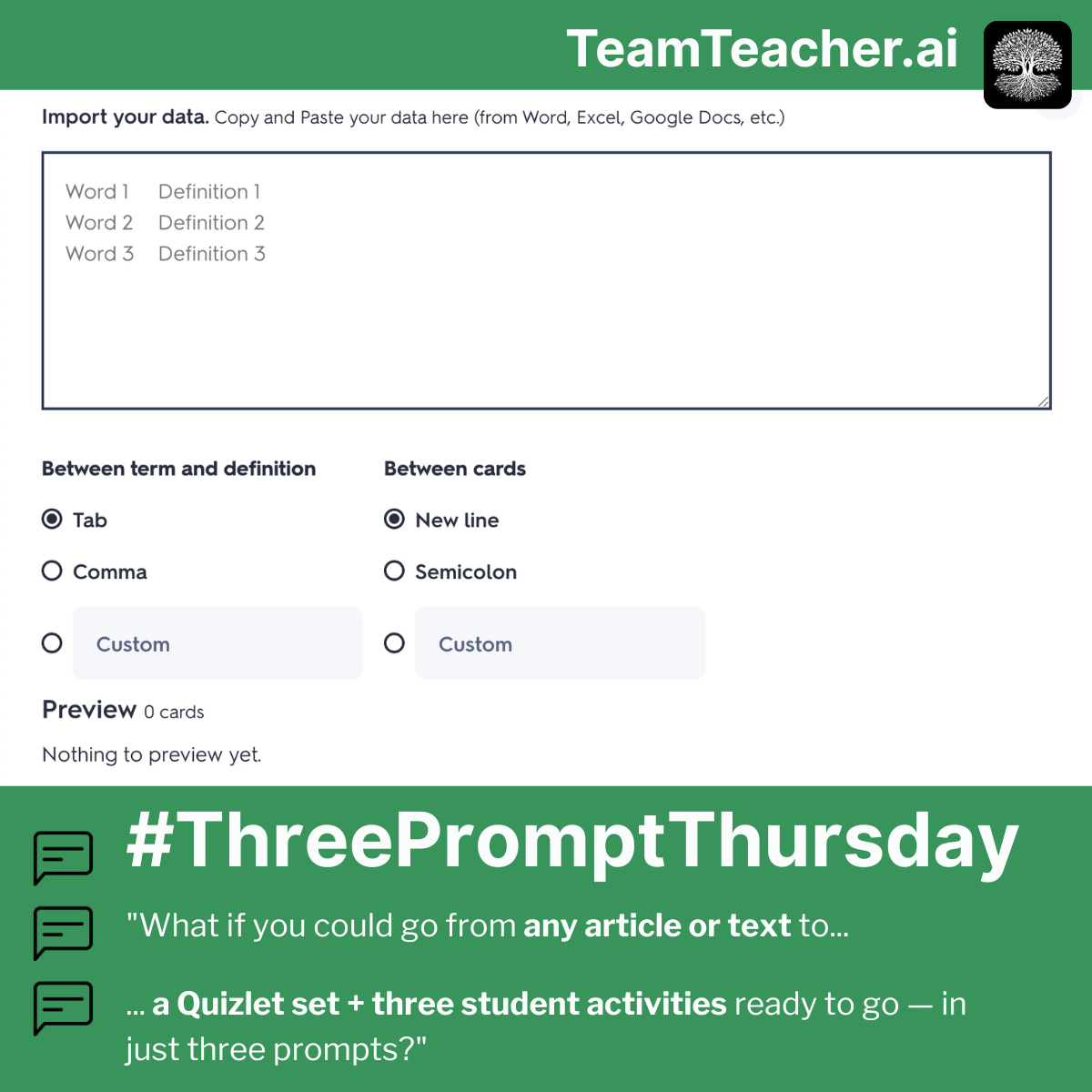
📚 Turn any text into a Quizlet set with student activities—extract terms, format for import, and create engaging practice in three prompts.
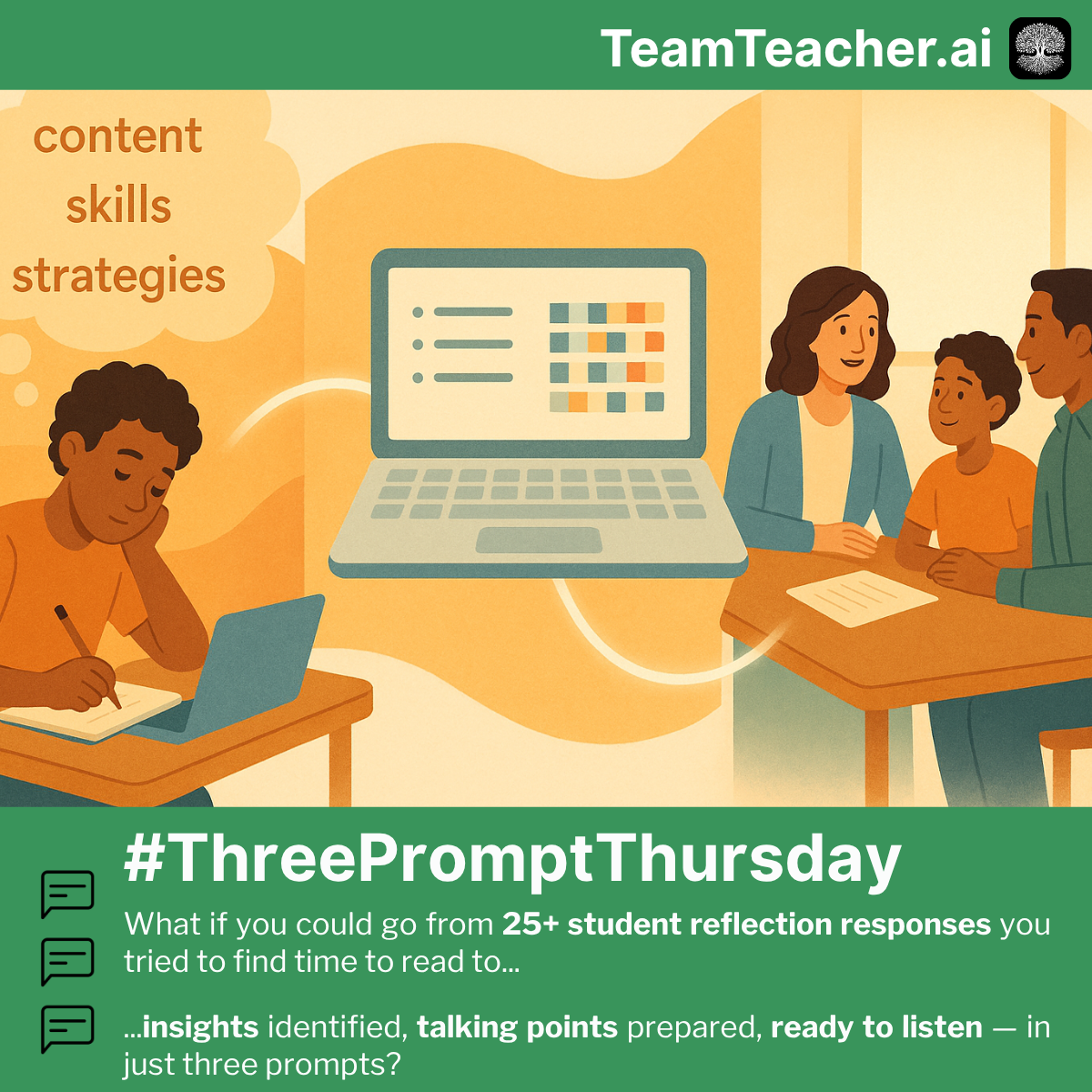
🧑🧑🧒 Turn student reflections into meaningful conference prep—create the tool, synthesize patterns, and generate talking points in three prompts.
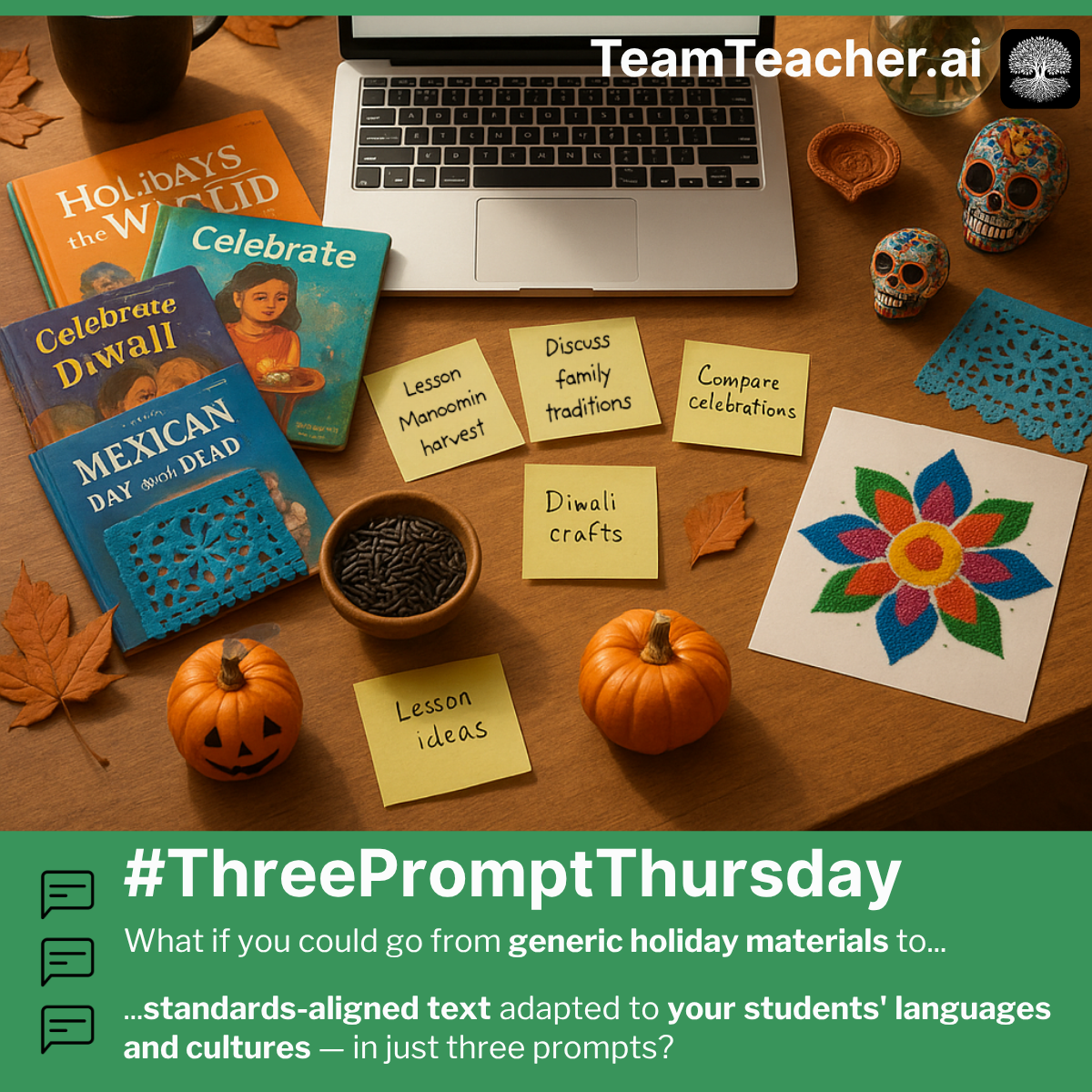
🎃 Generate culturally responsive, differentiated seasonal materials that reflect your students' identities and reading levels in three prompts.
Showing 6 of 10 guides
View all 10 guidesPlatform
How TeamTeacher works — feature overviews, core concepts, settings, and limits.
Connect TeamTeacher to ChatGPT with Developer mode, then call your agents from any chat.
Add TeamTeacher to Claude in about 30 seconds, then call your agents from any Claude conversation.
Add TeamTeacher as a Connected App in Gemini Spark, then call your agents right from a Spark conversation.
Tools are the actions an agent can take — searching your documents, checking a standard, saving a draft. How to see what it used, and how to choose which ones it has.
What you can search, what your agent can search for you, and why asking sometimes finds things the search box misses.
Write down a process once and your agent can pull it up in any conversation — no re-explaining the same instructions every time.
Showing 6 of 14 platform docs
View all 14 platform docs